Aqura FX v.1
Bring back the real colours of your dive
One tap brings back the colour the water stole — with AI that removes the water itself. Batch a whole dive to a ZIP, export corrected video, size it for Instagram & Reels, stamp your own watermark. Your files never leave your device.
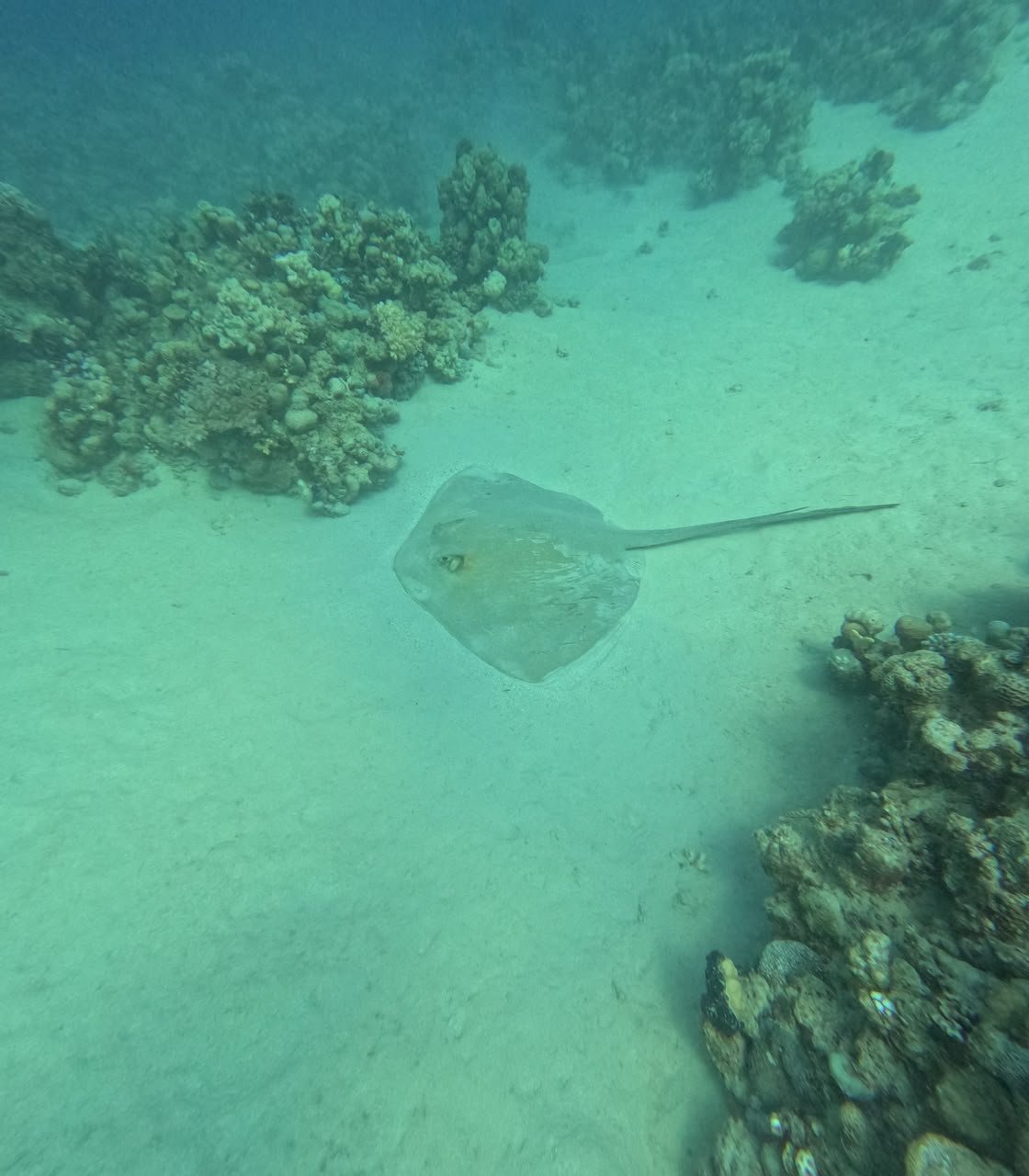

Or paste it with Ctrl+V — nothing uploads, everything stays on your device.
The engine measures this water and restores the real colour automatically.
Adjust anything you like, stamp your watermark, export for print or social.
On-device AI measures every pixel's distance and removes the water itself — real colour at every depth. In beta: on some photos it over-reds or leaves a haze, so the normal enhancement stays the default.
Enhance photos in one tap, or export a fully corrected video — with its sound kept.
Drop a batch of photos — every shot is auto-enhanced and downloaded together as one ZIP.
One-tap sizes for Instagram, Facebook & TikTok — square, portrait, wide or 9:16 Reels & Stories.
Stamp your name or logo on photos and videos — position, size and opacity saved for next time.
Nothing uploads, no sign-up, no limits — and no watermark from us, ever.
Good to know
Is Aqura FX really free?
Yes — completely. No account, no watermark, no limits and no paid tier. It is built by Aquarius Diving Club, a PADI 5-Star dive centre on the Red Sea, as a free tool for the diving community.
Are my photos and videos uploaded anywhere?
No. Everything runs inside your own browser — your files never leave your device. The only download is the optional AI model coming to you; nothing of yours is sent out.
Does it work on videos too?
Yes. Load a clip, trim it, pick a quality, and export a corrected MP4 — with the sound kept. You can also crop to social formats like 9:16 Reels.
What does the True colour AI mode do?
On-device AI estimates the distance of every pixel, fits how your particular water absorbed colour, and removes the water's effect — restoring real colour at every depth. The model (about 25–50 MB) downloads once; your photos still never leave your device.
Which browsers and devices are supported?
It works best in Chrome, Edge or Safari, on a computer or a phone. Older browsers without WebGL2 are not supported. Everything is processed by your own device's GPU, so speed depends on your hardware.
Why is it fast on some devices and slower on others?
Because it runs on your device, not on our servers. The colour correction is done by your device's own graphics chip (GPU), and True colour AI uses it too where the browser supports WebGPU — otherwise it falls back to the processor, which is slower. So a recent laptop or phone is quick, while an older device takes longer, especially for AI mode and for video. That is the trade for keeping your files private: no uploads, no queue, no limits — we use your hardware instead of ours.
Can I fix a whole dive of photos at once?
Yes — drop many photos together and every shot is auto-enhanced and packed into one ZIP download.
Can it fix murky, low-visibility or wreck-dive photos?
Yes — a dedicated Wreck / low-viz mode uses the AI depth map to remove the haze layer by real distance, with extra smoothing so compressed photos stay clean. It is made exactly for wrecks and green murky water where ordinary filters give up.
Why do underwater photos look green or blue?
Water absorbs red light within the first few metres, so cameras record a scene the water has already filtered — greenish in algae-rich or shallow water, blue in clear deep water. Restoring the picture means measuring how much colour the water removed at each distance and putting it back, which is what this tool does.
Can it fix photos compressed by WhatsApp or other chat apps?
Yes. Chat apps re-compress photos heavily, which adds blocky artefacts that most editors amplify. Aqura FX measures the compression level and smooths block edges and colour cells while enhancing, so shared photos come out clean rather than pixelated.